

approve and transfer transactions!
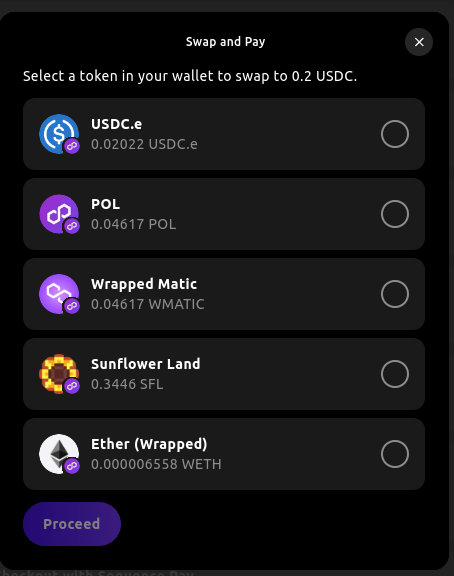
If you intend to use smart swaps with your custom token, please ensure you provide sufficient liquidity for your token (preferably USDC, USDT, or ETH) on a supported DEX such as Uniswap.
- Ethereum
- Arbitrum
- Avalanche
- Base
- Blast
- BSC
- Optimism
- Polygon
- …
UniSwap SushiSwap Pancake Swap Curve Balancer Bancor Synapse Solidly
Installation and Setup
To integrate the Swap feature with Web SDK, follow these steps:1
Install the @0xsequence/checkout library
2
Place the `SequenceCheckoutProvider` below the `SequenceConnect` Provider in your App:
3
Import Swap Dependencies and Logic
toTokenAddress: The target currency address, this is the token the user will receive after the swap.toTokenAmount: The target currency amount, this is the amount the user will receive after the swap.postSwapTransactions: An optional array of transactions to be executed after the swap, using the swapped tokens.title: The modal’s title.description: A description of the swap and payment process.chainId: The chain id of the target currency.onSuccess: A callback function that is called when the swap is successful.